Guide : Match Results
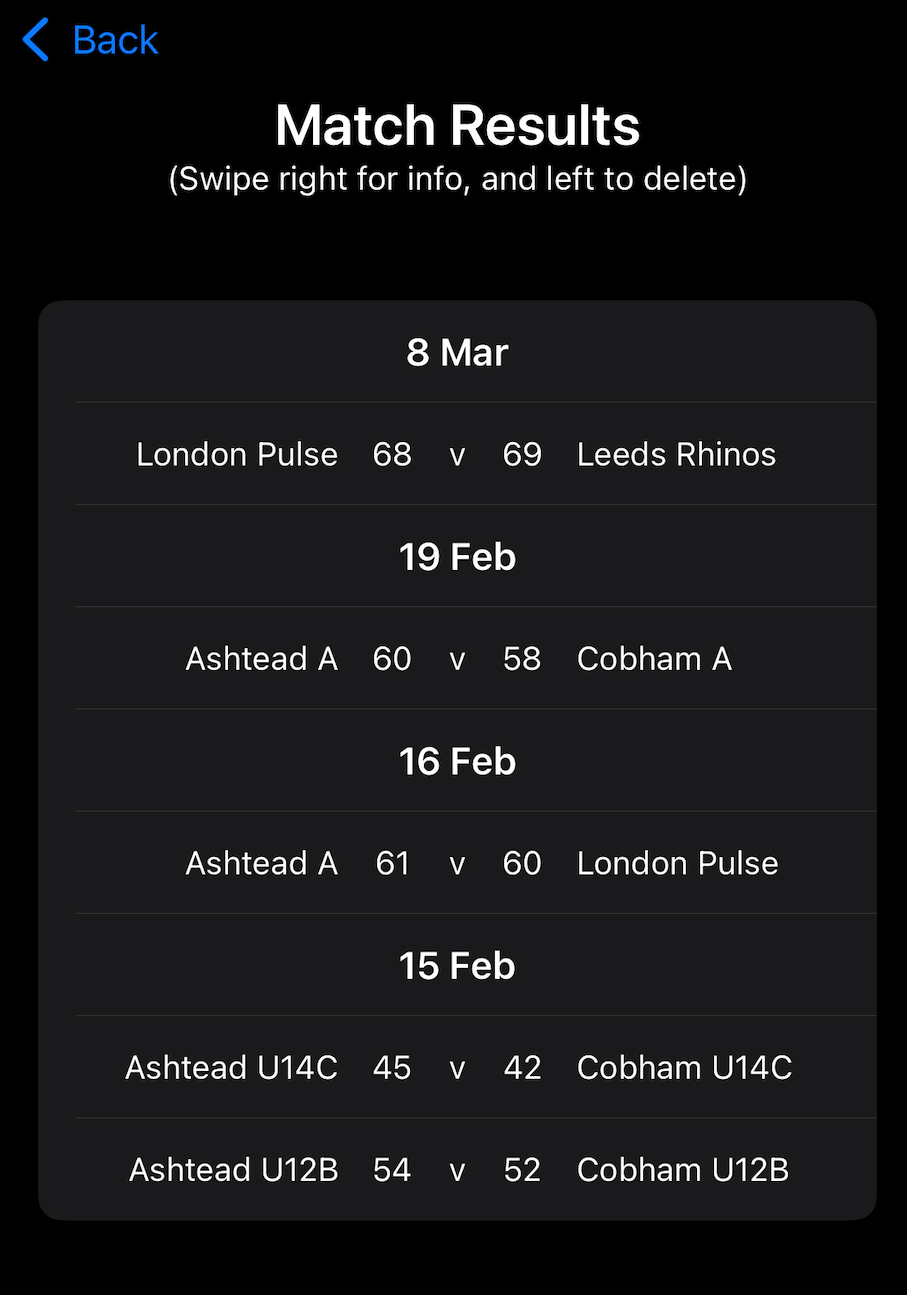
Selecting Match Results from the menu displays the match results stored in the app.
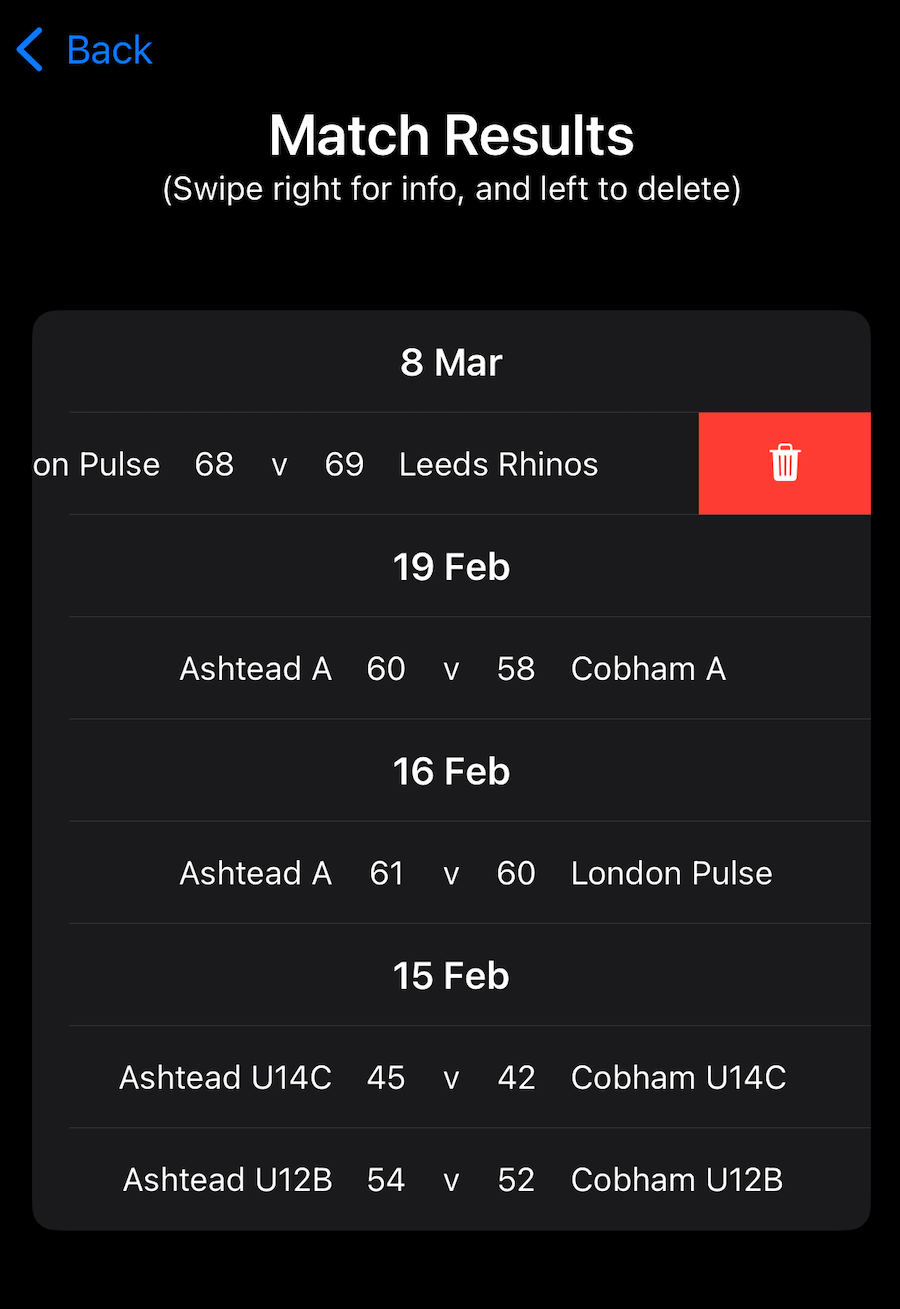
Individual match results can be deleted by swiping left on the match and then clicking the red bin icon.
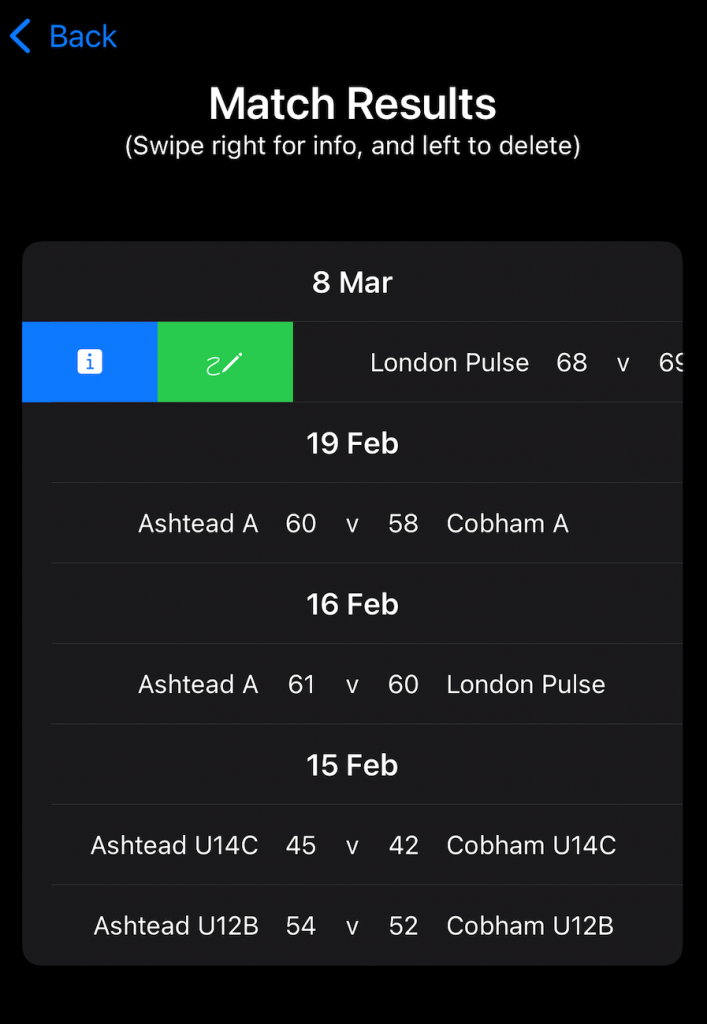
Swiping right on a score enables you to display match details by pressing the blue info icon, or you can add or edit match details by pressing the green pencil icon.
Alternatively, a long swipe right will take you straight to the match details.
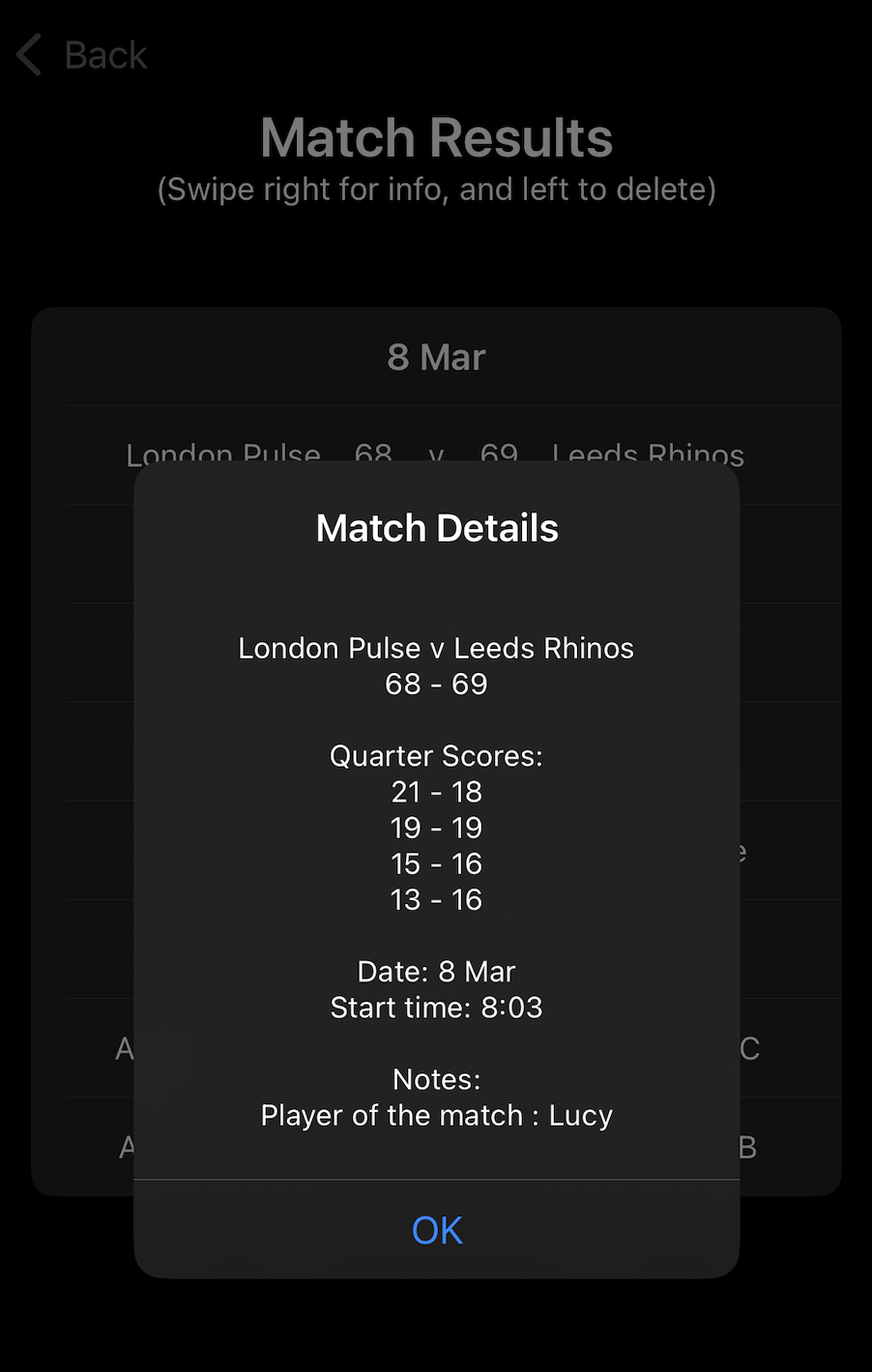
The match details screen displays the final score, quarter scores, date, start time, and any notes that have been added for the match.
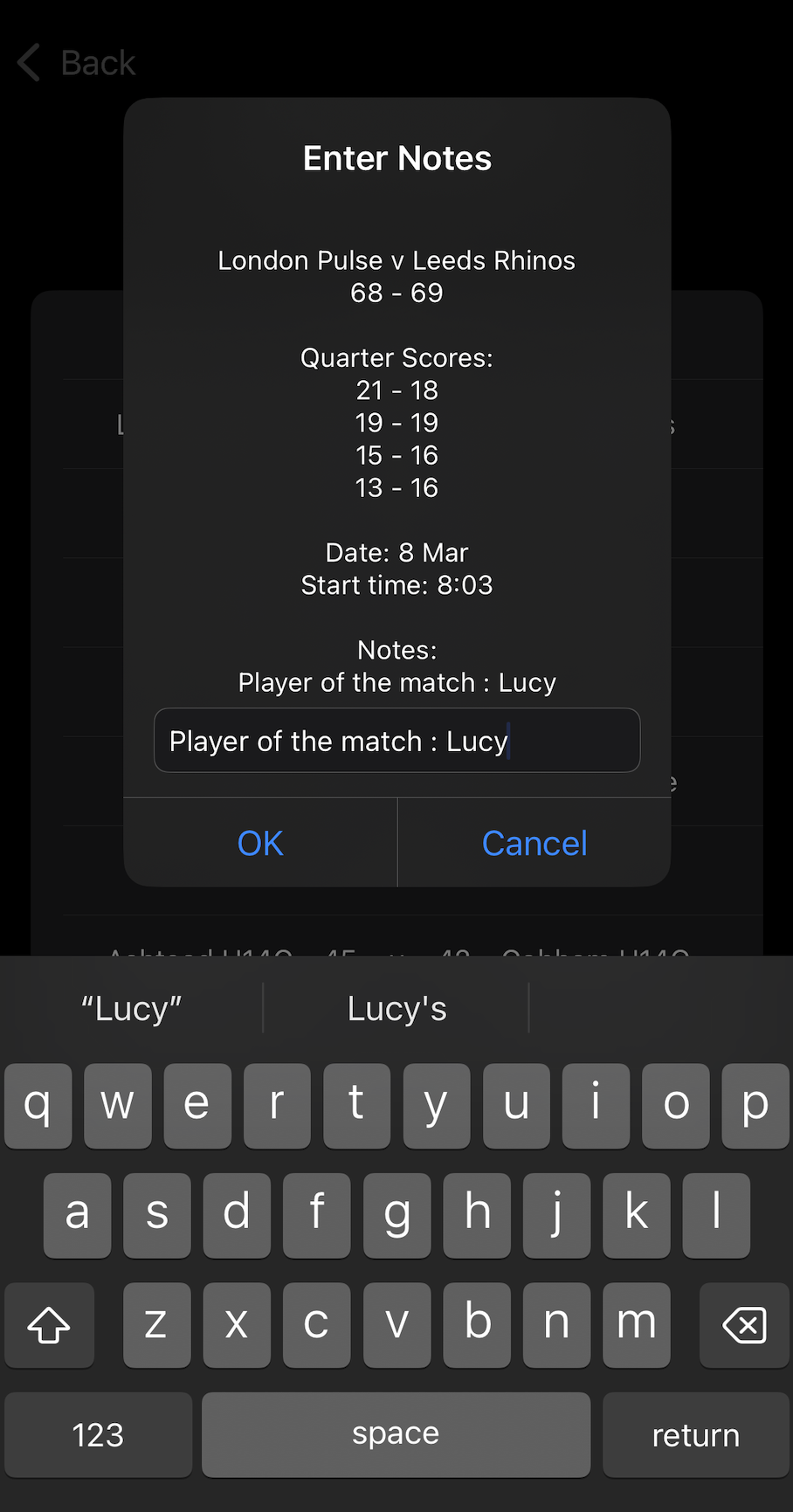
When adding or editing a note, type the note and press OK to save it, or Cancel to discard any changes.