Guide : Match Setup
The following section describes the options to customise a match. To reach this screen select Menu and then Match Setup.
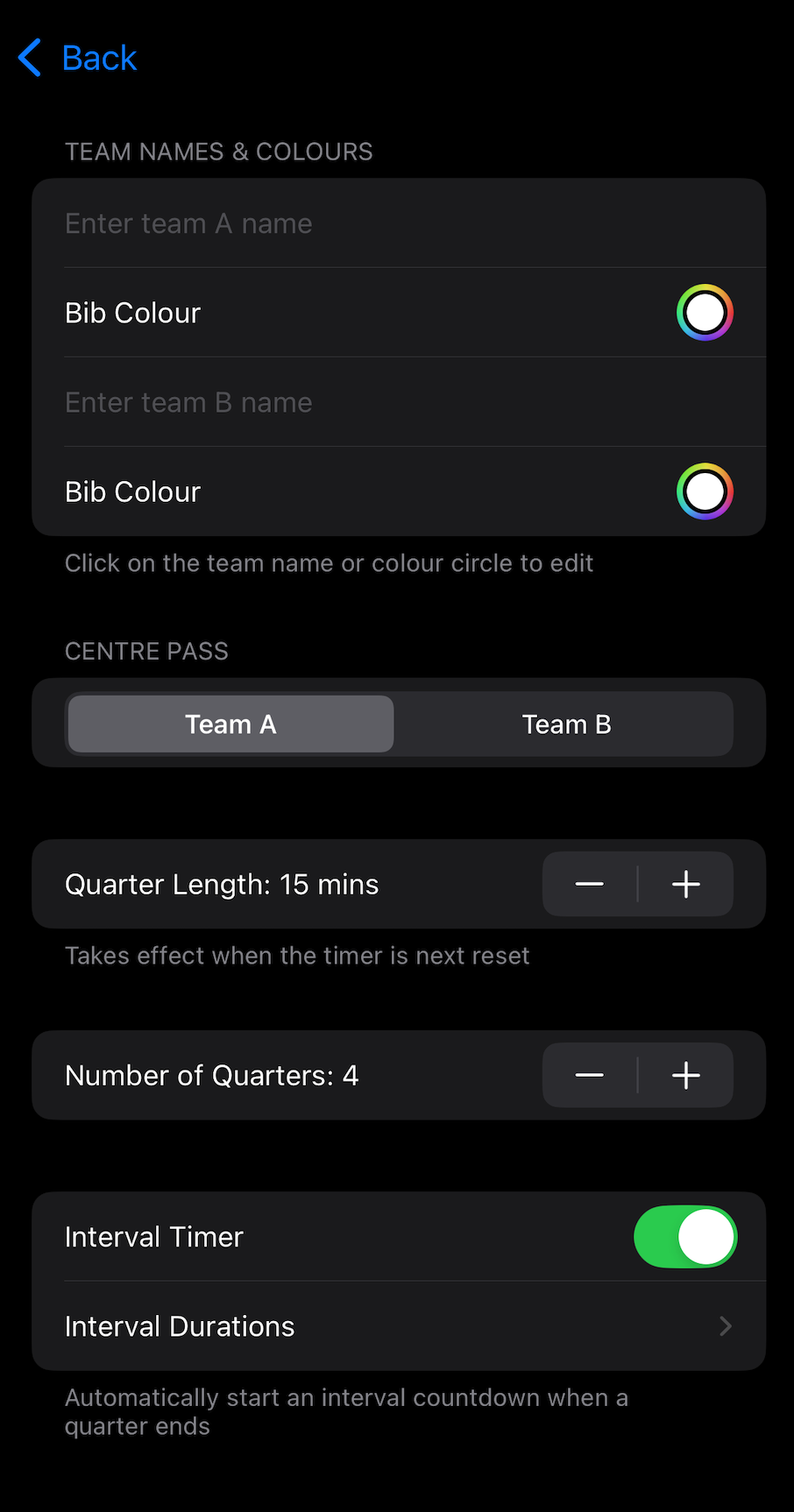
The top section of this screen allows you to enter the team names and select their kit / bib colours. To select the colours tap the circles on the right hand side of the screen and the colour picker will appear.
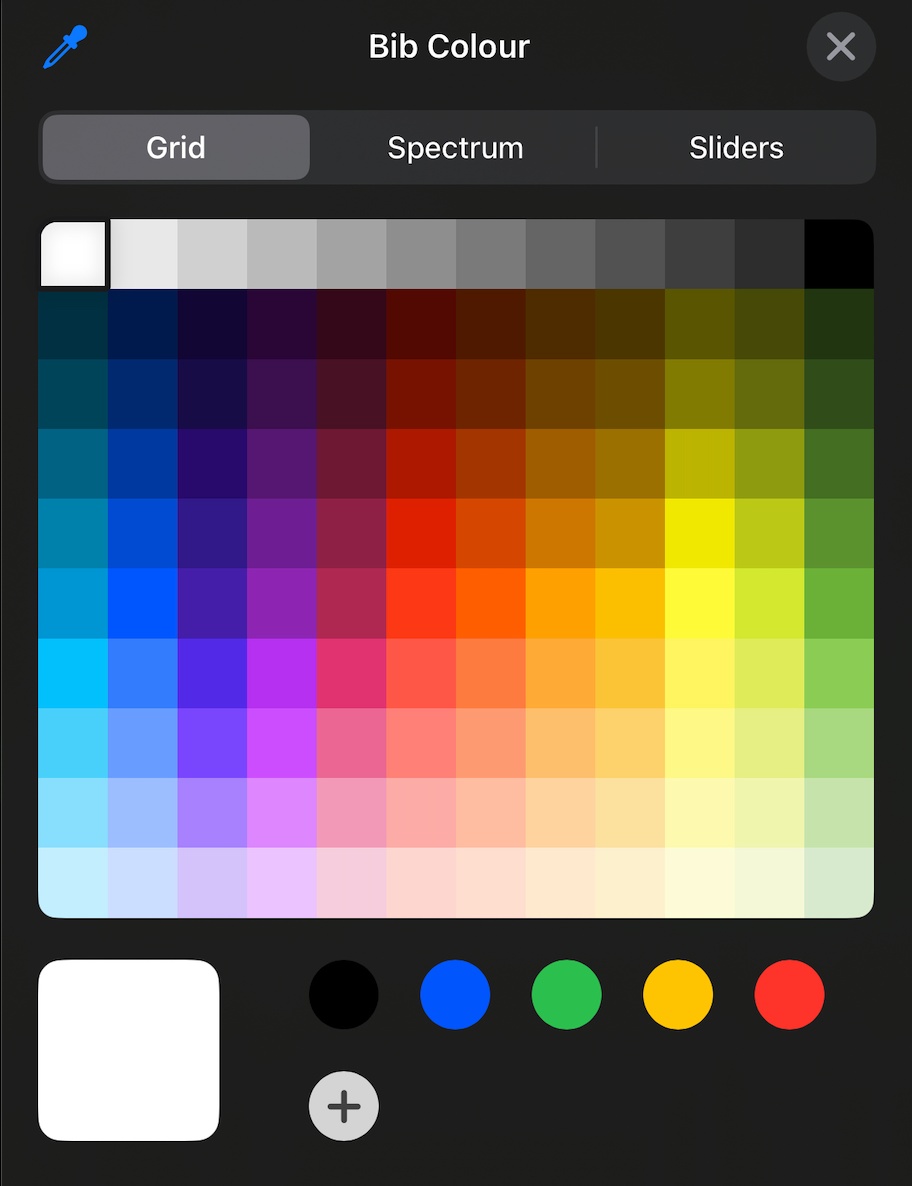
Select the team colour and then click the “X” in the top right corner to return to the previous screen.
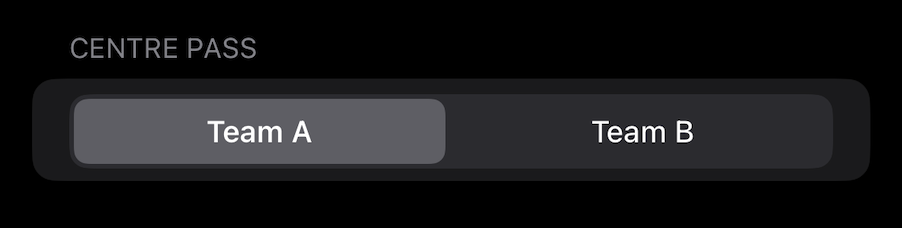
The next action allows you to select the team that has centre pass. If this is not set correctly before the match, you can return to this screen to correct the team with centre pass.
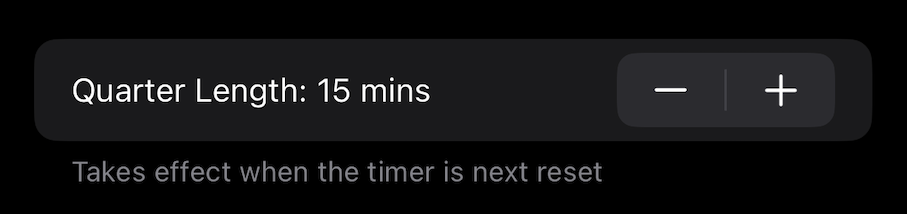
This allows the user to set the quarter length. If this is changed after a match has started (for example if a training session is going to overrun, and so remaining quarters are to be reduced in duration), it takes effect at the start of the next quarter.
To adjust the remaining length after a quarter has started, use the Timers section in the menu.
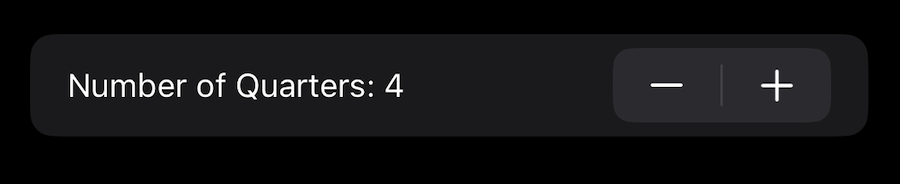
This section also sets the number of quarters in the match.
With Interval Timer switched on, when a quarter finishes, a secondary timer is automatically started to track the duration of the interval.
The length of this timer can be set for each quarter by pressing Interval Durations, which displays the interval timer screen.
Once all match selections are complete, press Back to return to the main screen.